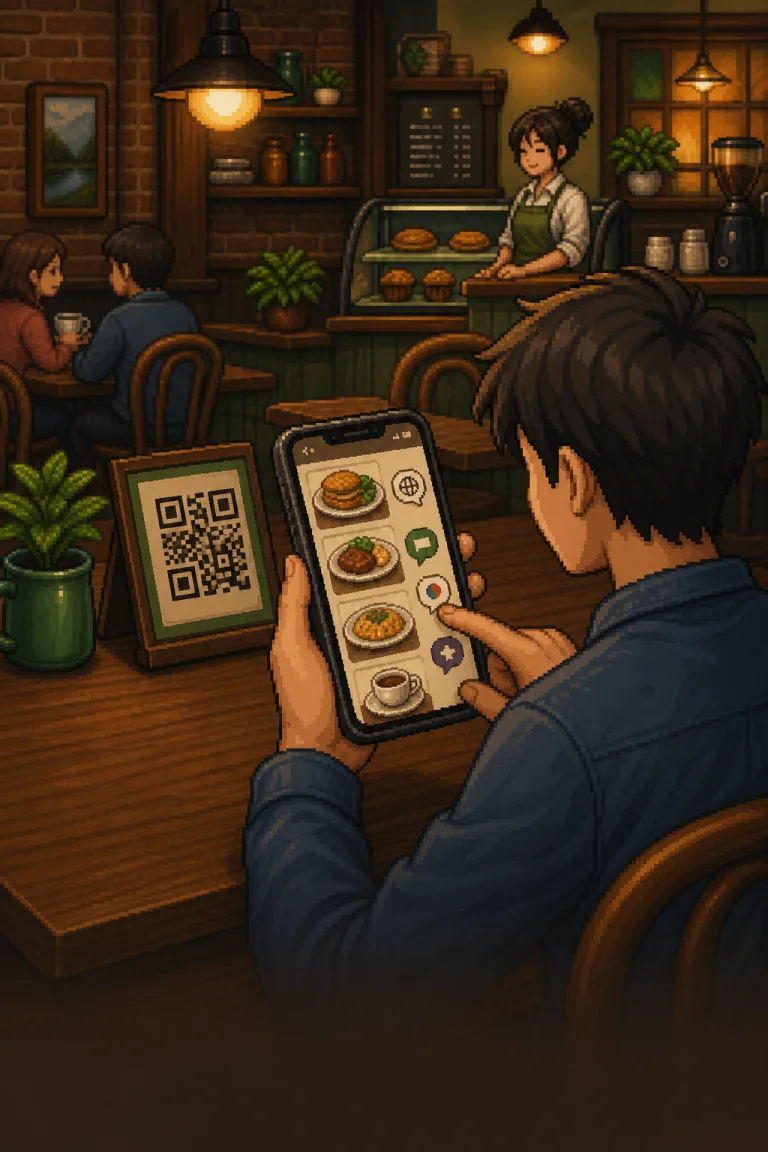
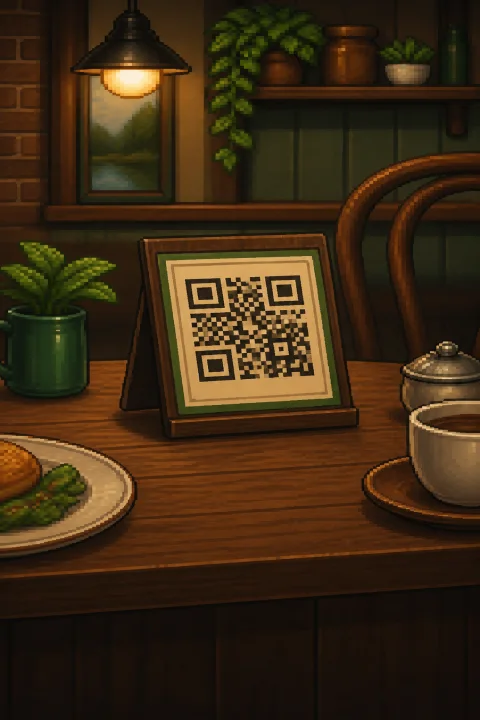
Keep your QRThe codes already on your tables keep working.
Guests ask, order and pay in their own language. Your team stays on service.
Compatibility and usage reviewed before activation
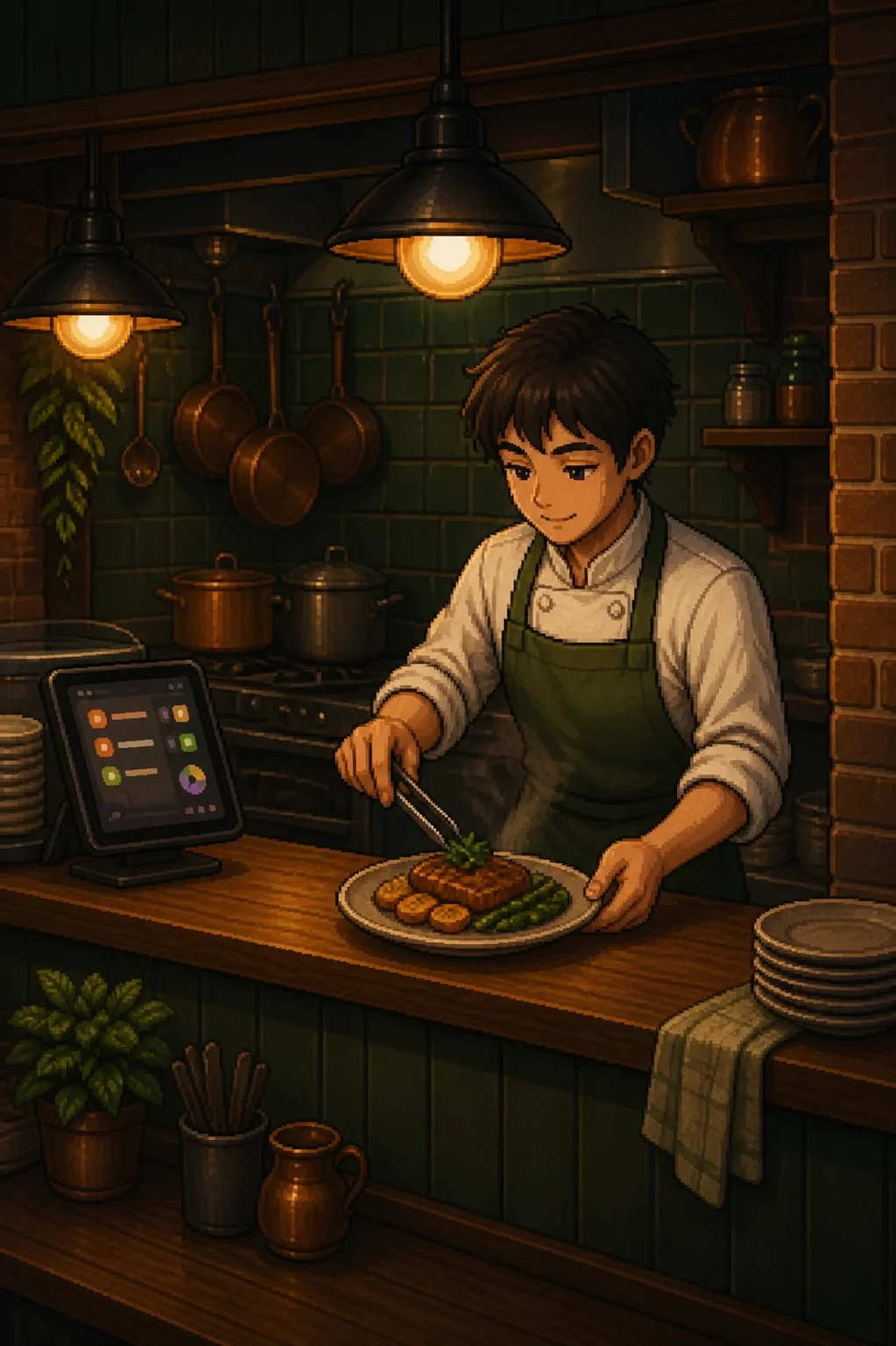
The same order, twice. One screen belongs to the table, the other to the pass — and neither of them is a new device you have to buy.
Table 12 sent to kitchen
The same order, on the screen your team already watches.
The same six tables, before and after TMenu AI. Keep scrolling — the scene changes with you.
Before you can take repeat work off a server you have to count it. Here is one six-table location’s week, three ways.
5 tasks × 6 tables × 5 min × 10 shifts
That is the weekly repeat work a six-table lunch service hands to a server — questions, orders, payments and close-out. Move it, and the shift is the same size with more of it spent on people.
A six-table planning model, not a promise. Swap in your own covers, tasks and labour rate and the shape holds.
TMenu AI handles the guest side. Your codes, your till and your card rates stay exactly as they are.
Compatibility confirmed before activation
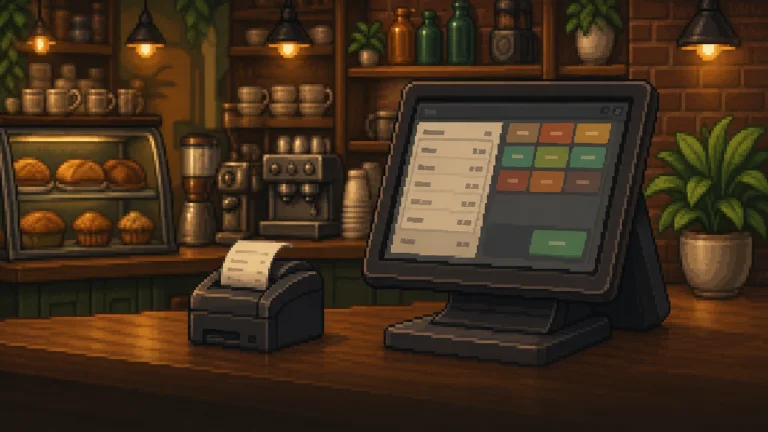
The $49 base covers one restaurant. You see current task rates and your monthly estimate before anything switches on.
Compatibility check included. We confirm your POS and payments first.
+ approved usageat the rates shown in your estimate
We price a recent week at current rates, so you see the total first.
No. It works with your existing QR codes, POS and payments. We confirm the specifics at setup.
Current task rates, applied to completed work. Every task is logged, and you approve the estimate first.
We check your setup, price a recent week, and show the total before you activate.
Compatibility, task rates and projected usage reviewed first.
Nothing runs on your floor until you have seen the setup, the rates and the total. You approve each step, and you can stop at any of them.
Still curious after all that? Ask us directly, before anything is switched on.
hello@tmenu.ai